
Product Card
Split layout — product image left, brand + price + copy right.
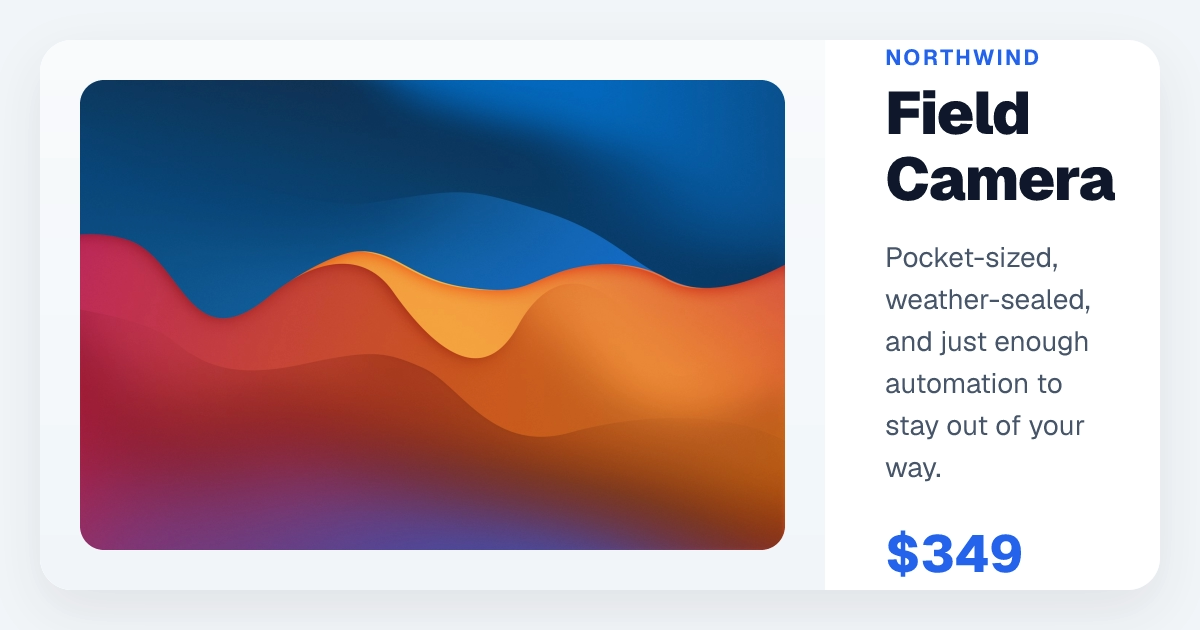
The component takes its content (productName, price, description, image, brand) as ReactNode props so you can pass a string, an <img>, or whatever. Two equal flex: 1 columns with a single soft shadow on the card and a gradient on the image well — that's the entire visual idea.
import type { ReactNode } from "react";

export default function ProductCardTemplate({
  productName,
  price,
  description,
  image,
  brand,
}: {
  productName: ReactNode;
  price: ReactNode;
  description: ReactNode;
  image: ReactNode;
  brand: ReactNode;
}) {
  return (
    <div
      style={{
        display: "flex",
        width: "100%",
        height: "100%",
        backgroundColor: "#f1f5f9",
        padding: "40px",
        alignItems: "center",
        justifyContent: "center",
      }}
    >
      <div
        style={{
          display: "flex",
          width: "100%",
          height: "100%",
          backgroundColor: "white",
          borderRadius: "32px",
          overflow: "hidden",
          boxShadow: "0 20px 50px rgba(0,0,0,0.08)",
        }}
      >
        <div
          style={{
            flex: 1,
            display: "flex",
            alignItems: "center",
            justifyContent: "center",
            backgroundImage: "linear-gradient(to bottom, #f8fafc, #f1f5f9)",
            padding: "40px",
          }}
        >
          {image}
        </div>
        <div
          style={{
            flex: 1,
            display: "flex",
            flexDirection: "column",
            padding: "50px 60px",
            justifyContent: "center",
          }}
        >
          <div style={{ display: "flex", flexDirection: "column", gap: "8px" }}>
            <span
              style={{
                fontSize: 22,
                color: "#2563eb",
                fontWeight: 700,
                textTransform: "uppercase",
                letterSpacing: "0.1em",
              }}
            >
              {brand}
            </span>
            <span
              style={{
                fontSize: 60,
                fontWeight: 900,
                color: "#0f172a",
                lineHeight: 1.1,
                letterSpacing: "-0.02em",
              }}
            >
              {productName}
            </span>
          </div>

          <span
            style={{
              fontSize: 28,
              color: "#475569",
              lineHeight: 1.5,
              marginTop: "24px",
              marginBottom: "32px",
            }}
          >
            {description}
          </span>

          <div style={{ display: "flex", fontSize: 52, fontWeight: 800, color: "#2563eb" }}>
            {price}
          </div>
        </div>
      </div>
    </div>
  );
}Edit on GitHub
Last updated on